Illustrated Kinebi activity scene

KINEBI INTERACTIVE · WITH SENSILIO

One floor.
Many ways
to learn.

Projection-based augmented reality. Move and see it respond.

Kinebi projects interactive activities onto your floor, responding as children move. A shared space for purposeful learning and hands-on discovery.

01 / STEP INTO THE IDEA

A move can
be an answer.

Project it. Move. See it respond.

Projector, computer, motion sensing and sound in one unit. Kinebi brings activities to a floor or table, responding to feet, hands or suitable objects, depending on the activity.

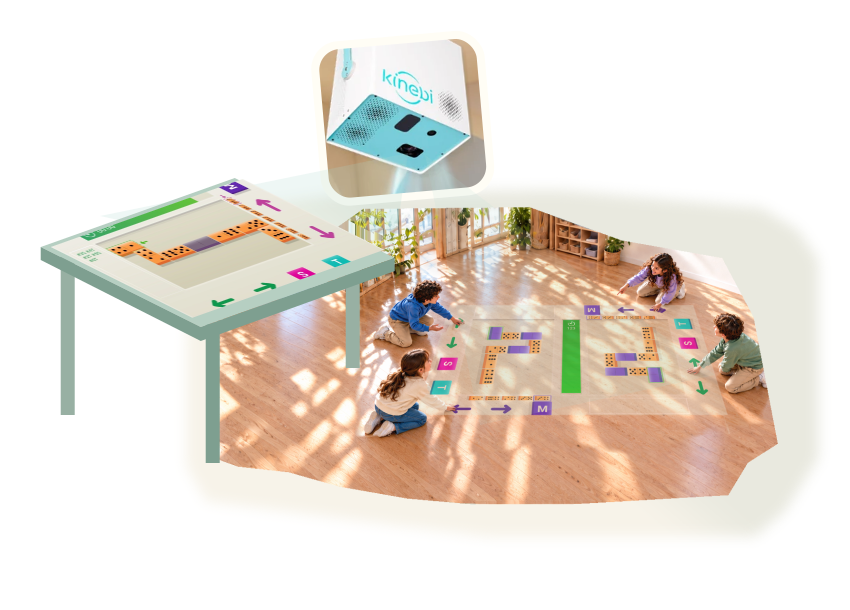
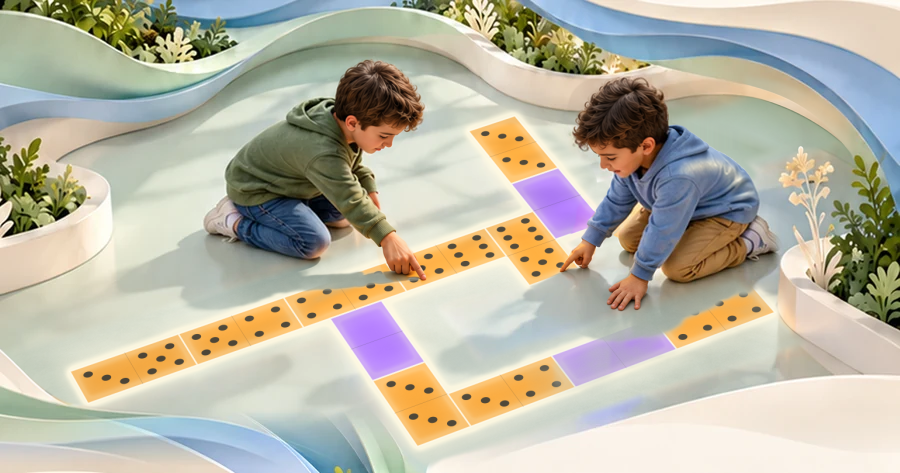
Try Domino. Rotate and swap pieces to match the dots. Choose, test, explain, then try another arrangement.

“What would you change next?”

An authentic Domino activity screenshot on a raised tabletop diagram, alongside an illustrative floor-use scene and the Kinebi unit.
On a table or on the floor, depending on the activity.
On a table
Hands explore
on a raised surface.
On the floor

02 / BRING THE ROOM INTO PLAY

Real objects.
New ways to join in.

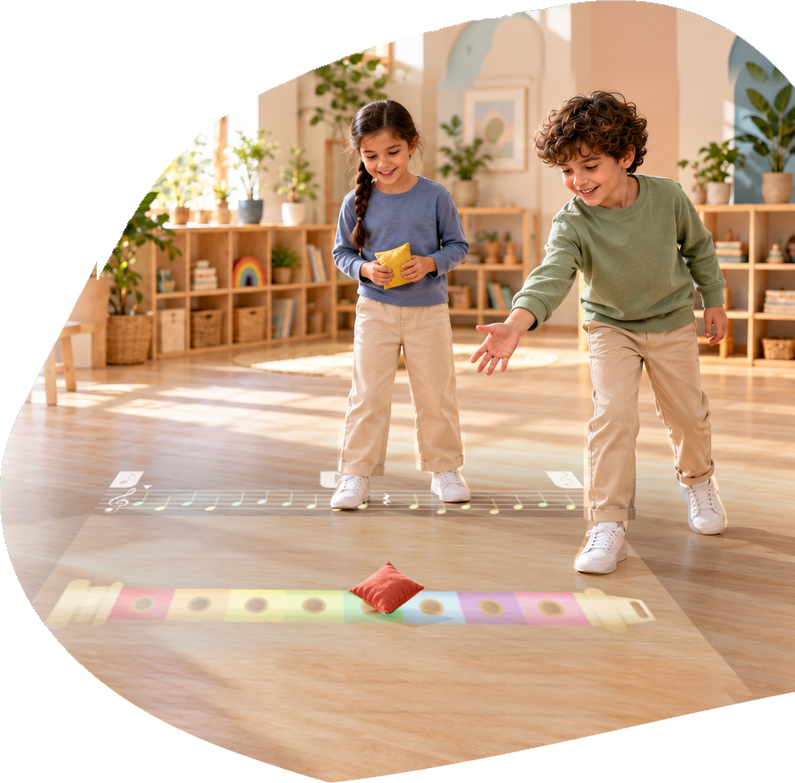
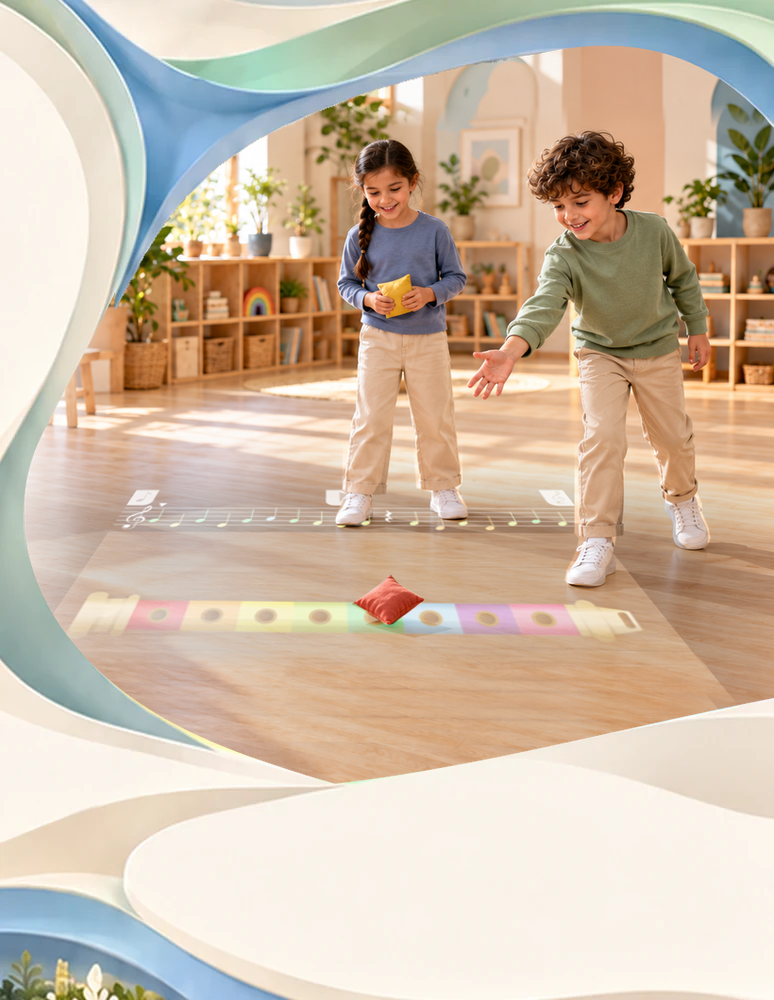
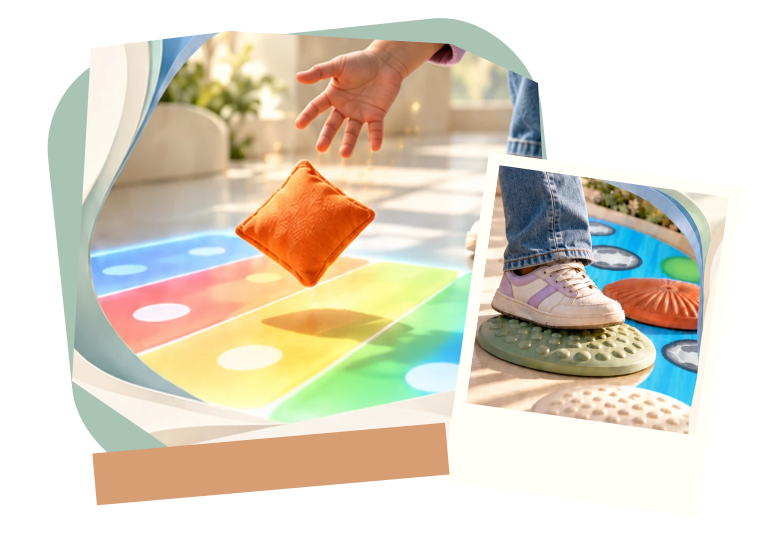
A beanbag can sound a projected note. Sensory discs can sit on virtual stepping stones. In the musical group variation, children take turns to build a melody together.

Equipment and ways of interacting depend on the activity.

Illustrative scenes of a soft beanbag above projected musical notes and a foot on a sensory disc.
Digital prompts. Physical possibilities.
Digital prompts.
Physical possibilities.
Touch. Toss. Take a turn.

03 / MAKE THE LESSON YOURS

Your lesson.
Your decisions.

Choose the activity and goal. Shape participation, pause to discuss, and use a timer or stopwatch to structure a round.

Controls and settings depend on the device version and activity.

Prepared activities. Your own ideas.

Lesson plans, instructions and worksheets support selected packages. Specialist contributions span teaching, language education and child psychology.

My quizzes: your content, any language, existing quiz mechanisms.
Favourites: frequently used applications together for quick access.

Find the right packages for your learners
The original EN II lesson-plan page, with attribution retained, in an illustrated teacher’s folder.
FROM THE TEACHER’S FILE

LEARNING THAT INVITES PARTICIPATION

Purposeful learning.
Practical support.

Move, make choices and work together.
Shape each session with supporting materials.

  • Learn through movement
  • Think and work together
  • Ready-made materials

KINEBI INTERACTIVE IN NUMBERS

Figures reported by Kinebi · 11 October 2026

educational institutions
15,000+
countries
24+
interactive tasks
1,600+
pages of methodological materials
2,500+
years of experience
10+
children’s smiles
2 million+

FOR YOUR SETTING

Schools & preschools
Guided support settings
Older-adult & community activities

Two children using soft beanbags with projected instrument segmentsTwo children using soft beanbags with projected instrument segments

EARLY DISCOVERY

Begin with discovery

EduPreschool

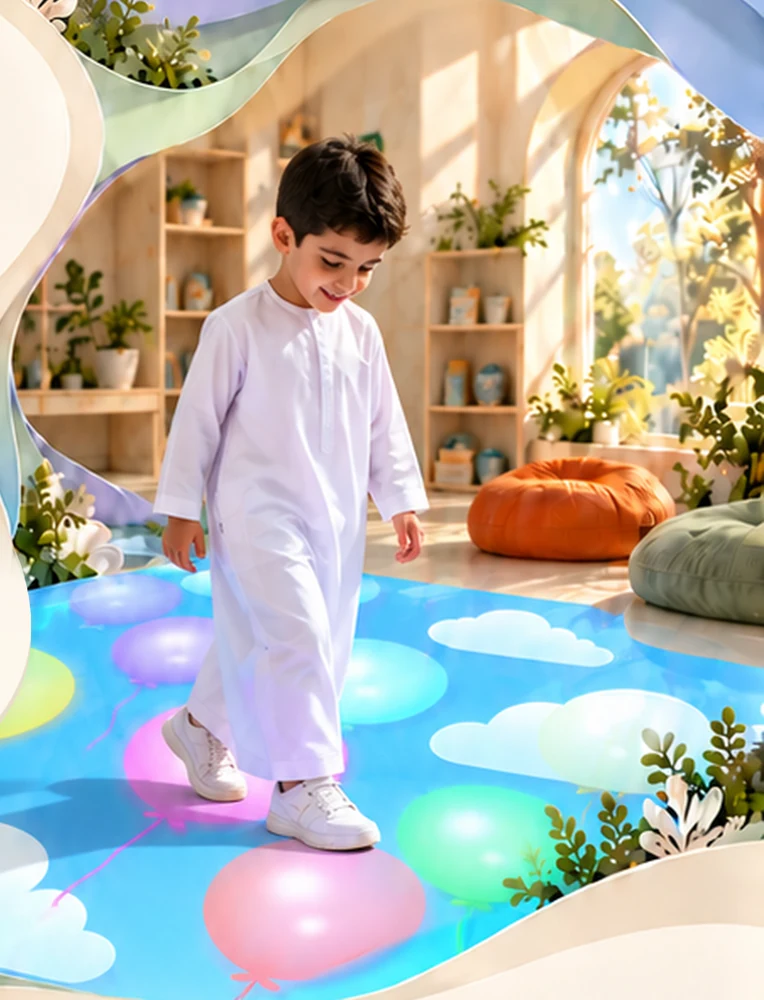
Children aged 3–6 explore movement, nature, numbers and social situations through guided tasks and free play.

Little fitness · choose your starting point

Two separate packages, each with its own instructions, lesson plans and worksheets. Choose either or both ↗

Little fitness 2

Movement and discovery activities for older children, adapted by the supervising adult.

Throw a soft beanbag.
Hear the floor respond.

One child activates projected instrument segments; a group variation lets children take turns.

Illustrated Kinebi activity scene

THINKING & SCHOOL

Make an idea move

In Domino, children rotate and swap pieces to match dots, then test a different arrangement together.

Funcoding I

Children aged 3–6 explore sounds, rhythms, patterns and comparisons as a playful introduction to coding.

Funcoding II

Children aged 5–9 investigate coding and logic through chessboard tasks, dominoes and sequences, supported by teaching materials.

Funcoding III

Learners aged 9–14 explore coding, object control and logical problem-solving through space, pipeline, pattern and number challenges.

Photon

Learners aged 6–14 program a Photon robot to solve projected tasks; a compatible robot is required.

Experiments

Learners aged 10–18 investigate atoms, springs, projectile paths and waves through interactive science simulations.

Cycling license

Learners aged 10–18 practise traffic rules and road signs through quizzes supporting cycling-exam preparation.

Save the Planet

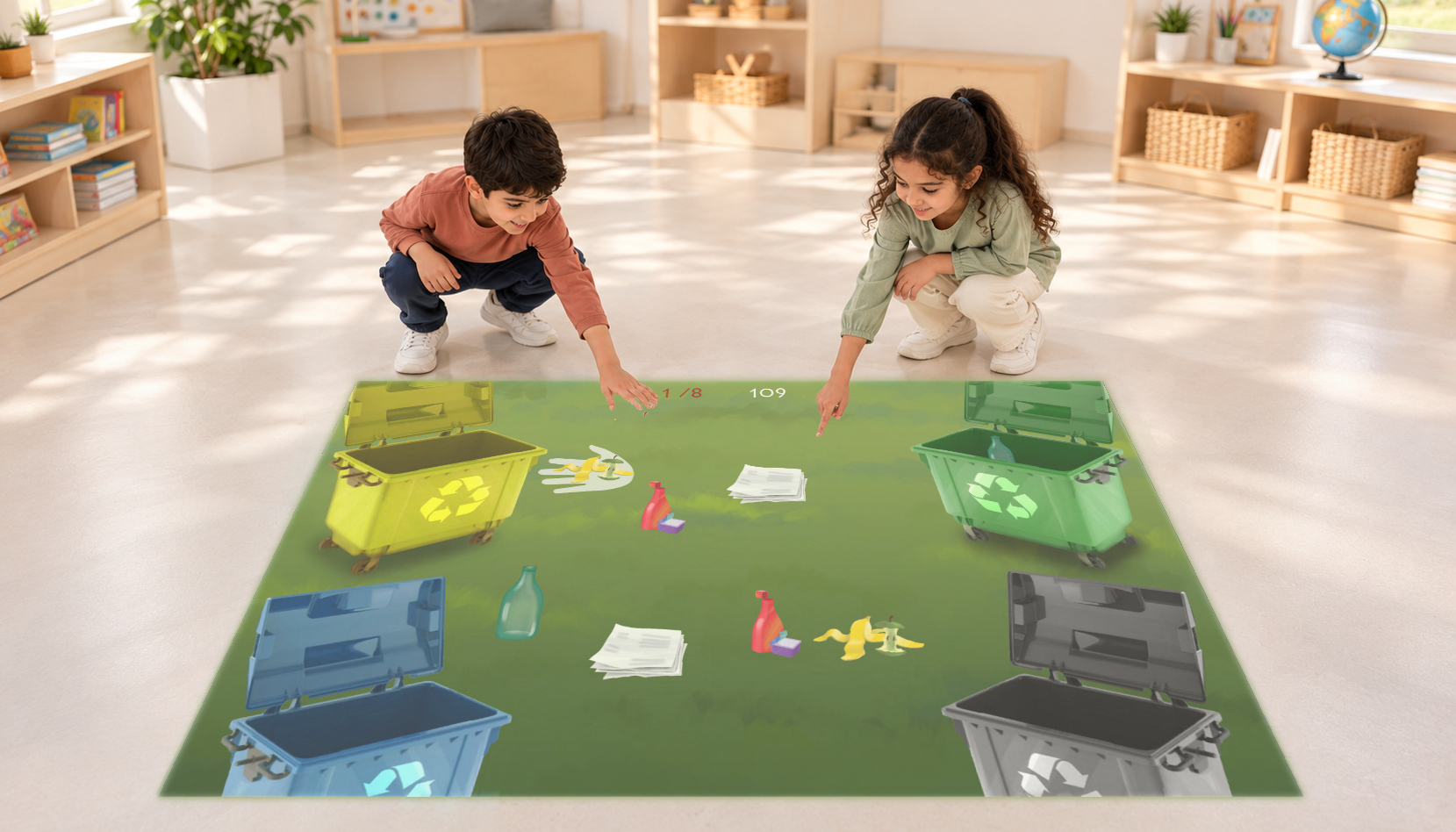
Children aged 4–12 remove virtual rubbish, help ocean animals and explore reuse through environmental challenges.

Nutrition education

Preschool and school-age children explore food choices and nutrition through Bruno the Broccoli’s time-travelling adventures.

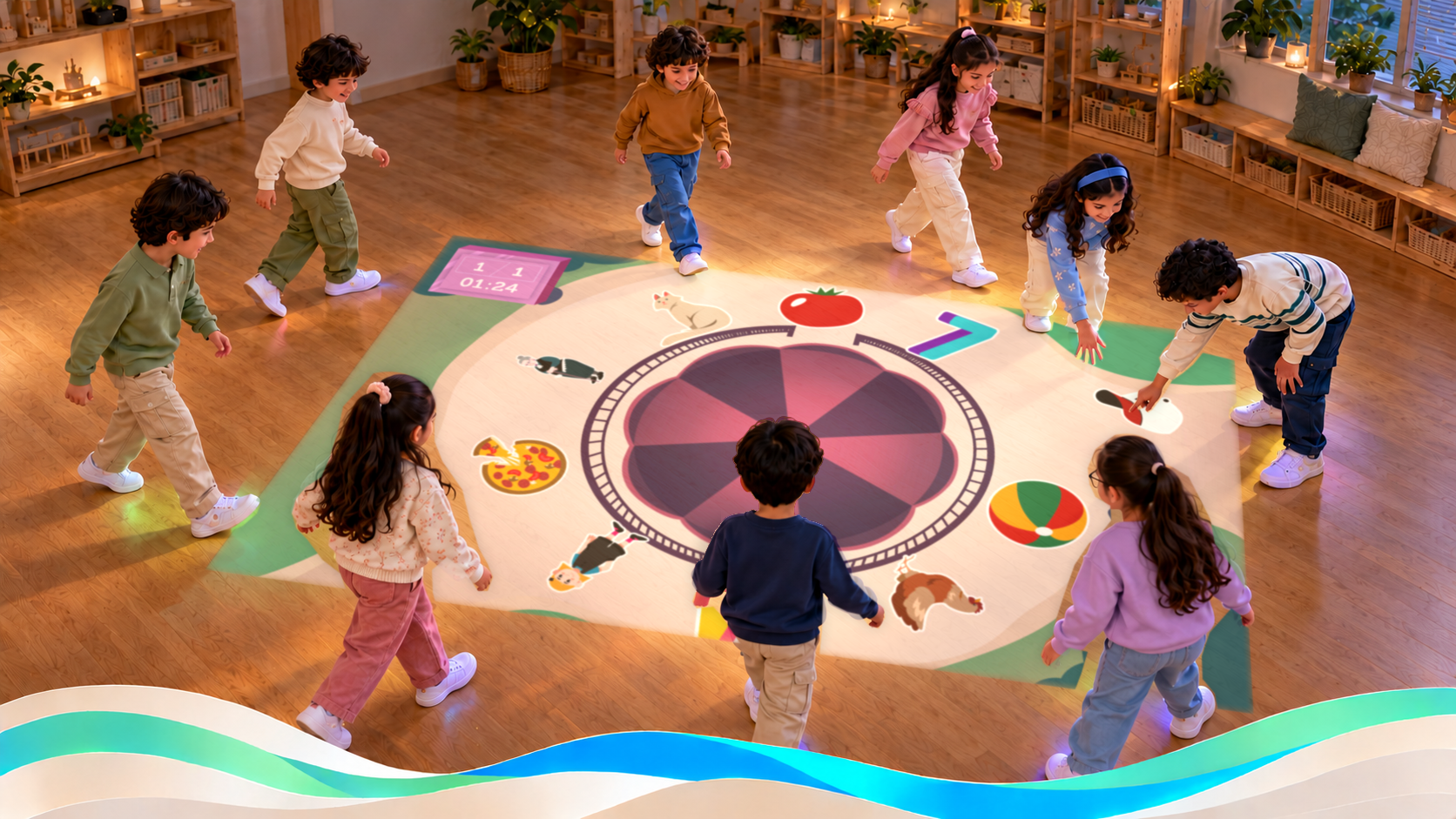
Approved illustrative scene of nine children exploring the projected Playground Merry-go-round activity togetherIllustrated Kinebi activity scene

LANGUAGES

Words move too

Playground

The richest English-learning range: full sentences, varied voices and collaborative pair or group activities.

My quizzes

Use your own content in any language, across subjects, through ready-made quiz mechanisms.

Basic vocabulary · 12 packages

EN/ES/FR/IT/PL: single-player, plans and worksheets.

English for fun

Build English vocabulary with four progressive applications for ages 6–11.

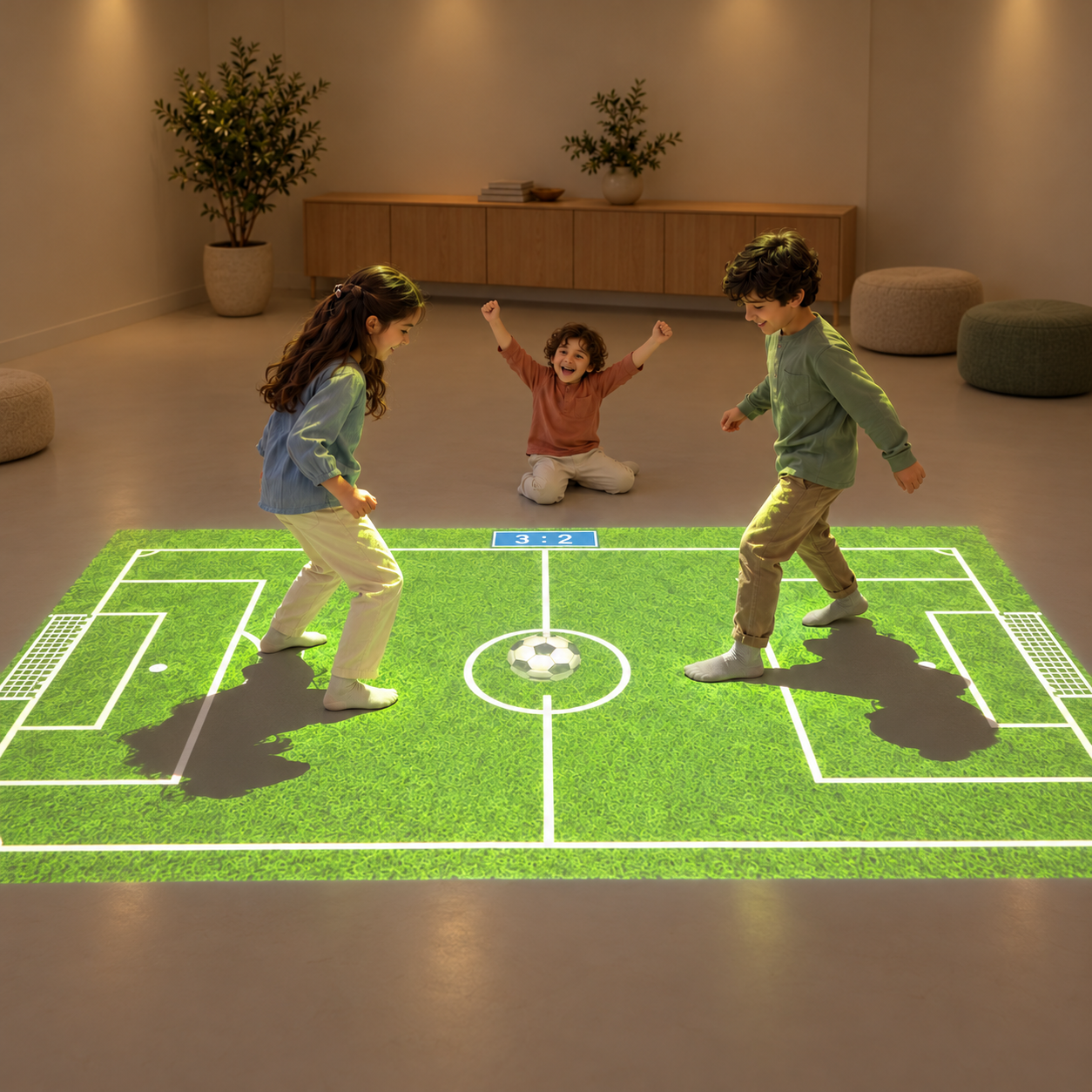
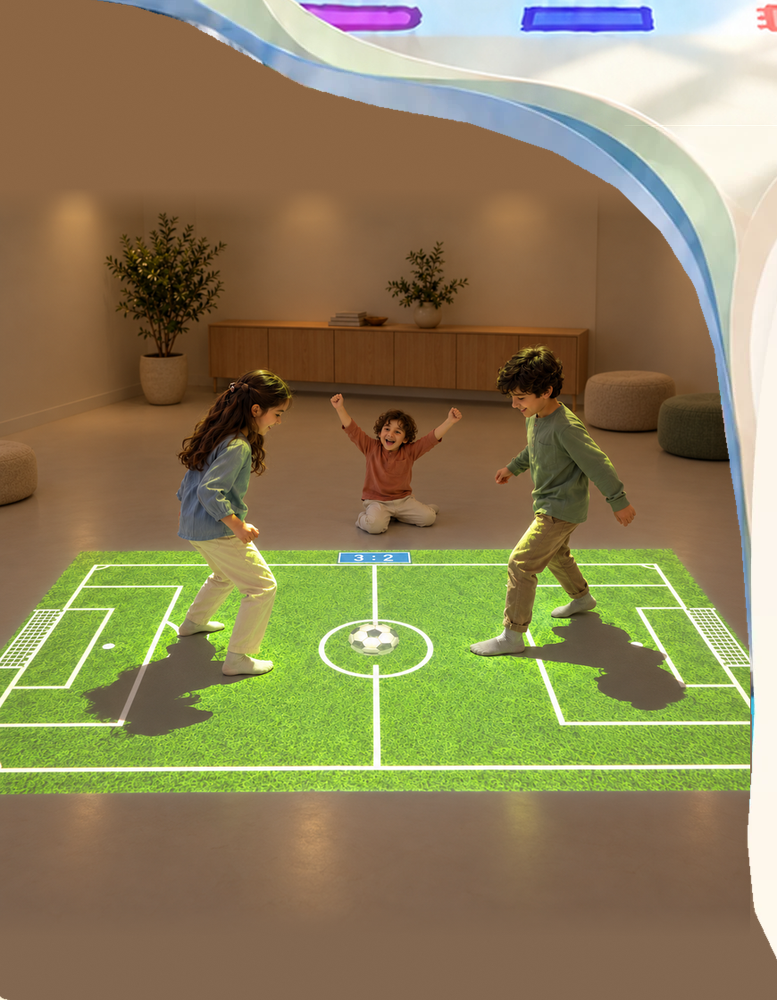
Illustrative EVO Football scene with two children playing and a younger child cheering.Illustrative EVO Football scene with two children playing and a younger child cheering.

GUIDED SUPPORT

Different ways in

Executive Functions

Children aged 3–6 and early-school pupils with additional needs practise planning, attention and flexible problem-solving with adult guidance.

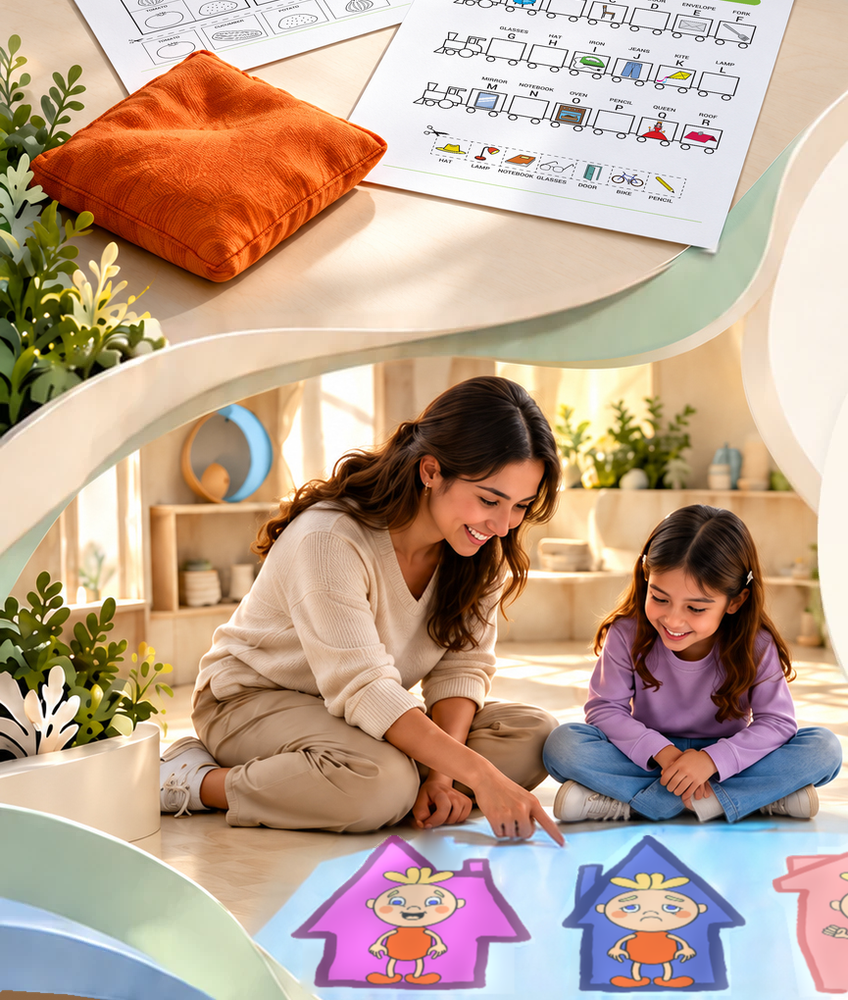
Guess what I feel

Children aged 4–10 explore emotions through characters, gestures and sounds, guided by an adult.

REW

Children and young people with additional needs explore slower movement games with larger targets and clear backgrounds.

Magic of movement

Children and young people with developmental difficulties explore graded movement tasks with larger elements and a slower pace.

Step by step

Children and adults practise movement and balance through practitioner-adjusted routes, optionally using suitable physical equipment.

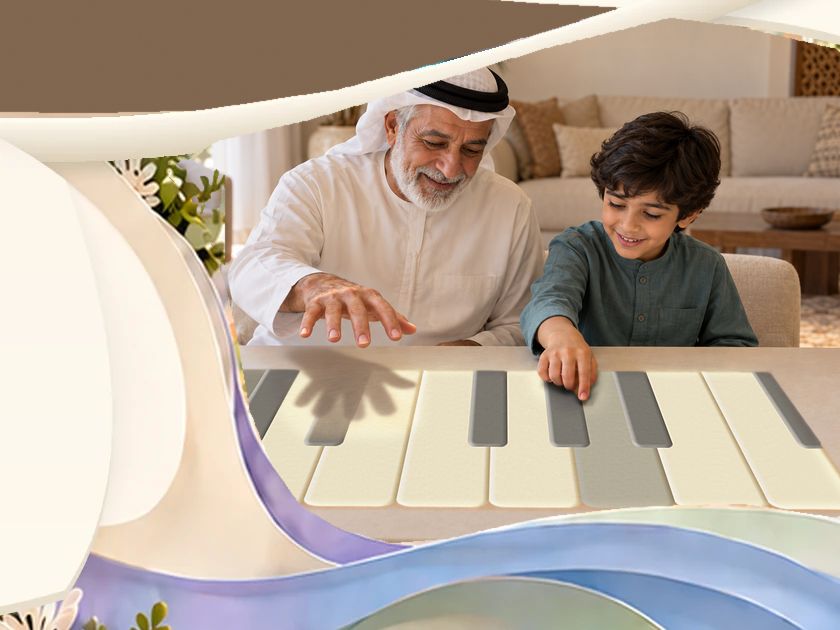
Illustrative scene of an older adult and a child playing projected piano keys together.

ACROSS GENERATIONS

Shared moments

Family

Children, adults and older people share bowling, music and riddles through suitable floor or table activities.

Magic Xmas

Children and adults aged 6+ share Christmas traditions through tree decorating, gingerbread activities and winter games.

My travels

Ages 3–99. Children aged 3–6 require adult help.

Illustrated Kinebi activity scene

One package. 100 applications.

All 11 folders below are included together in EVO, not sold separately.

Two children exploring a projected recycling activity, sorting waste into coloured bins.
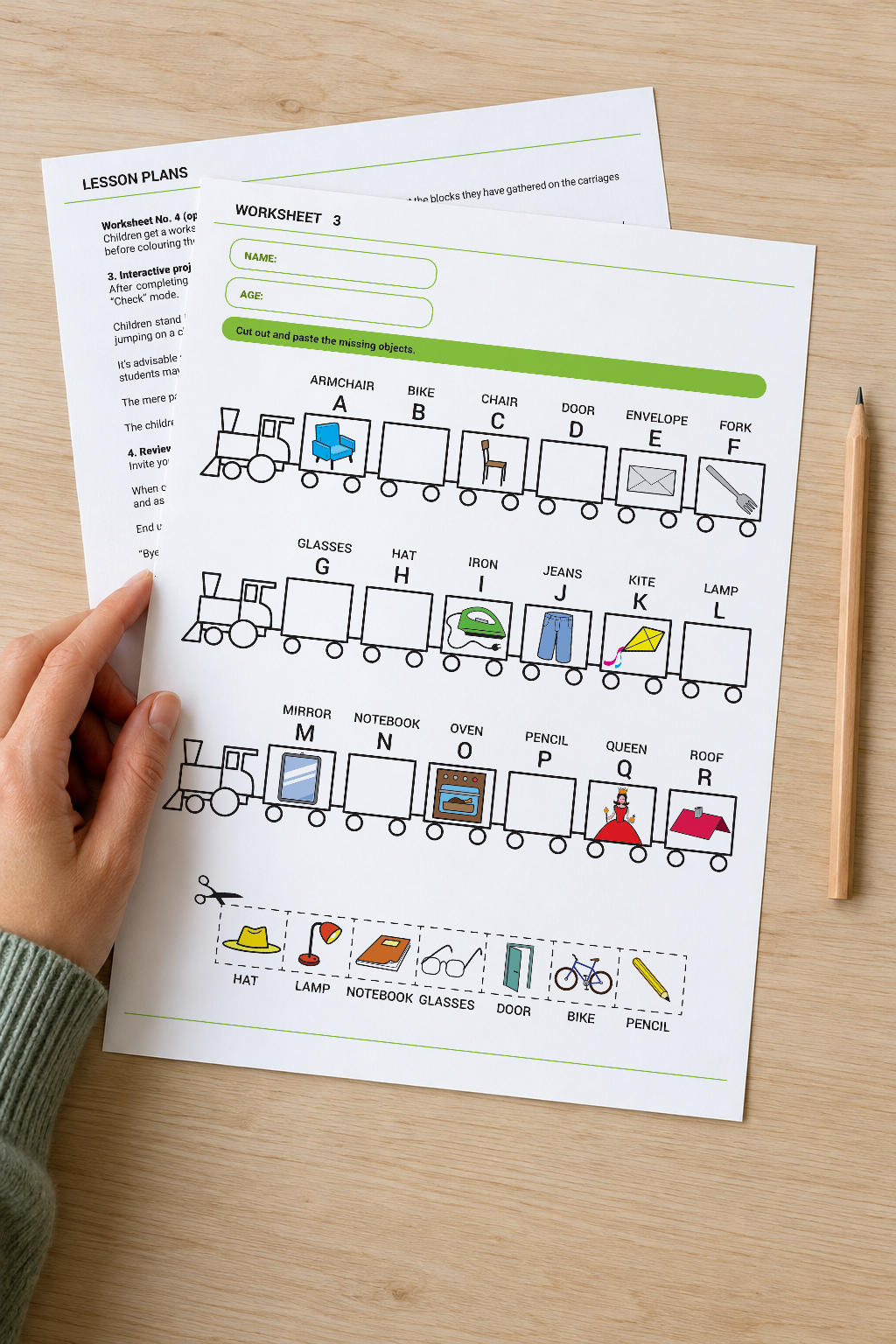
A teacher holds the English train worksheet while preparing a lesson.

Teaching beyond the floor

Selected educational packages include teaching materials. Ask Sensilio which resources accompany your chosen activities.

Explore specially commissioned games and applications for your organisation’s needs.

Star the apps you use most and keep them together for quick access.

Start with your learners, your space and the purpose of the session.

KINEBI INTERACTIVE’S TRUSTED GCC PARTNER

What could your next
lesson look like?

Sensilio works directly with Kinebi’s manufacturer. Explore relevant content and the right configuration for your setting.

MOVEMENT → RESPONSE

See it respond.

Movement and real objects can trigger responses in projected activities. Watch the demonstration, then explore three separate examples below.

Nothing plays automatically. Choose Play to watch with sound, or explore the photos below.

A girl uses a real brush to move interactive leaves projected on the floor.
Moving leaves with a real brushA girl uses a real brush to move the interactive leaves.
Children playing projected bowling with a real yellow ball on the floor.
Bowling with a real ballA physical ball becomes part of the projected bowling activity.
Children using real brushes and a cloth to clean teeth projected on the floor.
Cleaning projected teethChildren use real brushes and a cloth to clean the projected teeth.

Real Kinebi footage and photographs. The photos show three independent activities, not before-and-after frames from the video.

Explore the teaching possibilities

APPLICATION EXAMPLES

One activity. Two spaces.

Explore Domino on a table with a teacher, then on the floor with a group.

01 · On the table

A child working with a teacher

Illustrative scene of a child and teacher exploring projected Domino together on a table
Illustrative usage scene · full image
02 · On the floor

Two teams sharing an activity

Illustrative scene of four children in two teams exploring a projected Domino activity on the floor
Illustrative usage scene · full image

A learning space children can step into.

Kinebi Interactive combines a projector, computer, motion sensing and sound in one unit. It projects activities onto a floor or table and responds to movement within the image. Children can answer with their feet, hands or suitable physical objects, depending on the activity.

  • Project an activity.
  • Make a move.
  • See it respond.

A move can be an answer.

In Domino, children rotate and swap pieces to connect matching dots. A move begins with a choice: which piece fits, and why? The teacher can invite a child to test an idea, ask a partner to explain it, then let them try another arrangement. Movement becomes part of the thinking task.

Try asking What would you change next?

Bring real objects into the activity.

A soft beanbag can trigger a projected musical note. Sensory discs can sit on virtual stepping stones. Selected activities connect digital prompts with physical equipment, giving educators another way to organise movement and participation. In the musical group variation, children take turns to build a melody together.

Equipment and ways of interacting depend on the activity.
Your lesson. Your decisions.

Choose the activity, explain the goal and decide how children take part. Pause to discuss a response or reorganise the group. Use the timer or stopwatch to structure a round. Individual turns can sit within a shared lesson, with classmates observing, discussing or taking another role.

  • Choose a purpose.
  • Shape participation.
  • Pause and reflect.

Controls and available settings depend on the device version and activity.

Start with prepared activities. Make the lesson yours.

Lesson plans, instructions and worksheets accompany selected packages, helping teachers connect an activity with a wider lesson. Specialist contributions across the range include teaching, language education and child psychology. With My quizzes, you can add your own content in any language using existing quiz mechanisms. Favourites keeps frequently used applications together for quick access.
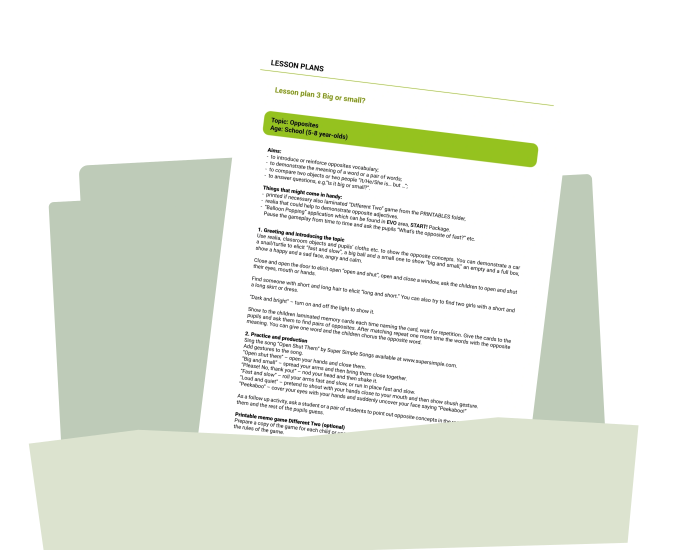
EN II lesson-plan example
Explore the packages below ↓

EN I methodology samples

Explore sample lesson plans and worksheets in English. These original PDFs retain their existing watermark.

Big or small?

Example lesson plan from EN II. Original teaching-material page; attribution retained.

Full English lesson plan Big or small, with aims, teaching steps and original copyright

FIND YOUR STARTING POINT

Explore by purpose

Explore 35 packages and the included My quizzes tool. Options can match several purposes; EVO folders belong to one package. Check each option’s ages and supervision requirements, or compare up to three options.

Content and language options depend on your configuration. Ask Sensilio about your setting.

SIDE BY SIDE

Find the right starting point

YOUR NEXT LESSON

Your school overview

Choose your setting to see the complete age-relevant package list, then download or copy your overview. Learning focus and comparison choices do not shorten this list.

Nursery · Little fitness 1

Little fitness 1 is a starting point for nurseries, for children younger than preschool age. Adult-guided movement activities include early exploration such as crawling, with their own instructions, lesson plans and worksheets.

Explore Little fitness 1 ↗

Continuity from nursery to school

For organisations combining a nursery and school, Kinebi can support a continuous approach from nursery into preschool and later school years. Adult-guided, purposeful activities provide opportunities to practise coordination and motor skills and explore agency: making a choice, moving and seeing a response.

This brief stays in your browser. Nothing is submitted or sent. Download it or copy it to share through your existing Sensilio contact.

LET’S TALK

How can we help?

Ask for a quote or tell us when you would like us to contact you.

Required fields are marked.

If you provide a phone number, include + and the country code. A number is required for Phone or WhatsApp contact.

Quote details (optional)

Packages selected in Compare appear here for review. Edit or remove them freely. Setting and packages are sent only when you tick the box. No overview notes are included.

We use these details to respond to your request, not to subscribe you to marketing. Please do not include children’s names, health details or other sensitive information. Formspark processes the submission and stores submissions until we delete them; deleted submissions remain recoverable for 30 days. Formspark privacy policy.

Enable JavaScript to send your request. Nothing has been sent.

For any other questions, please contact us at contact@sensilio.ae.

Activity image

Use the arrows, swipe, or press ← / → to explore. Escape closes this view.